
Booking
How to register a booking company
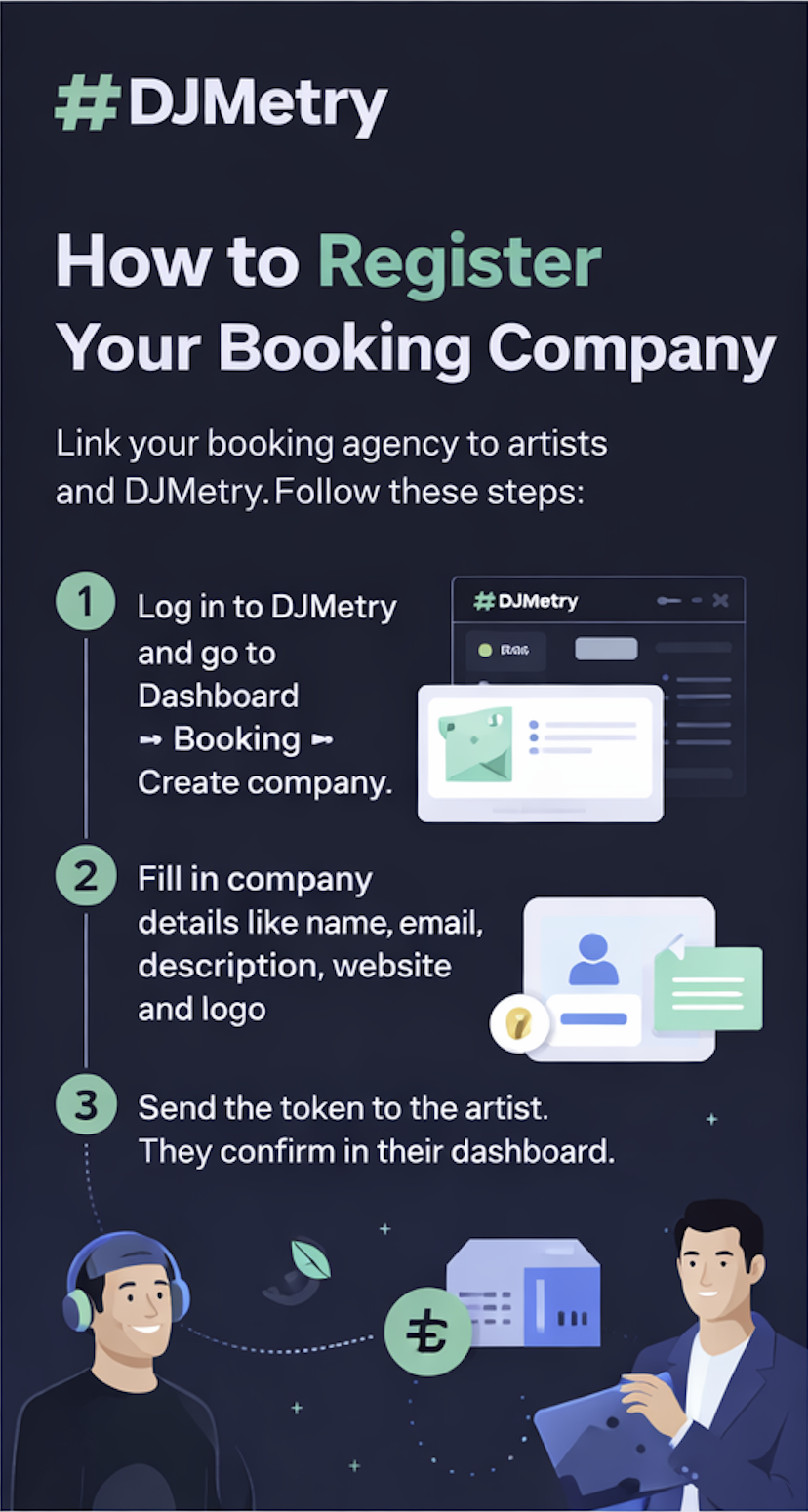
Registering your booking company in DJMetry allows artists to link your agency and clients to find you. Follow these steps.
Steps
Step-by-step guide
01
Log in to your account
Log in to your DJMetry account (or create one).
02
Open the booking section
Open Dashboard → Booking → Create company.
03
Fill in company details
Fill in the company name, contact email and, if you like, description, website and logo.
04
Get the token
After creating the company you will receive a one-time token — send it to the artist so they can confirm the link in their dashboard. A copy of the token will be sent to your email.
05
Wait for confirmation
Once the artist confirms and moderation is passed, your company will appear in the booking catalog.
Watch how it works
Preview
How it looks
Only non-verified users can create companies. If you are already a verified artist, use a different account (e.g. manager email) to register the agency.
Protection from manipulation
The music industry is full of confusion — fake agents claim to represent artists, labels steal bookings without consent. The fact that in DJMetry a verified artist must personally enter the token and confirm the link protects your name from any manipulation.
Already registered?
If the company is already registered
If your booking company is already registered in DJMetry, you do not need to register again.
To add a new artist, generate a new invitation token in your company section and send it to the artist. The artist enters the token in their dashboard and confirms the link to your agency.
After the artist confirms and moderation is passed, they will be added to your company and your agency profile will appear in the DJMetry booking catalog.
Management
What you can do
Request management
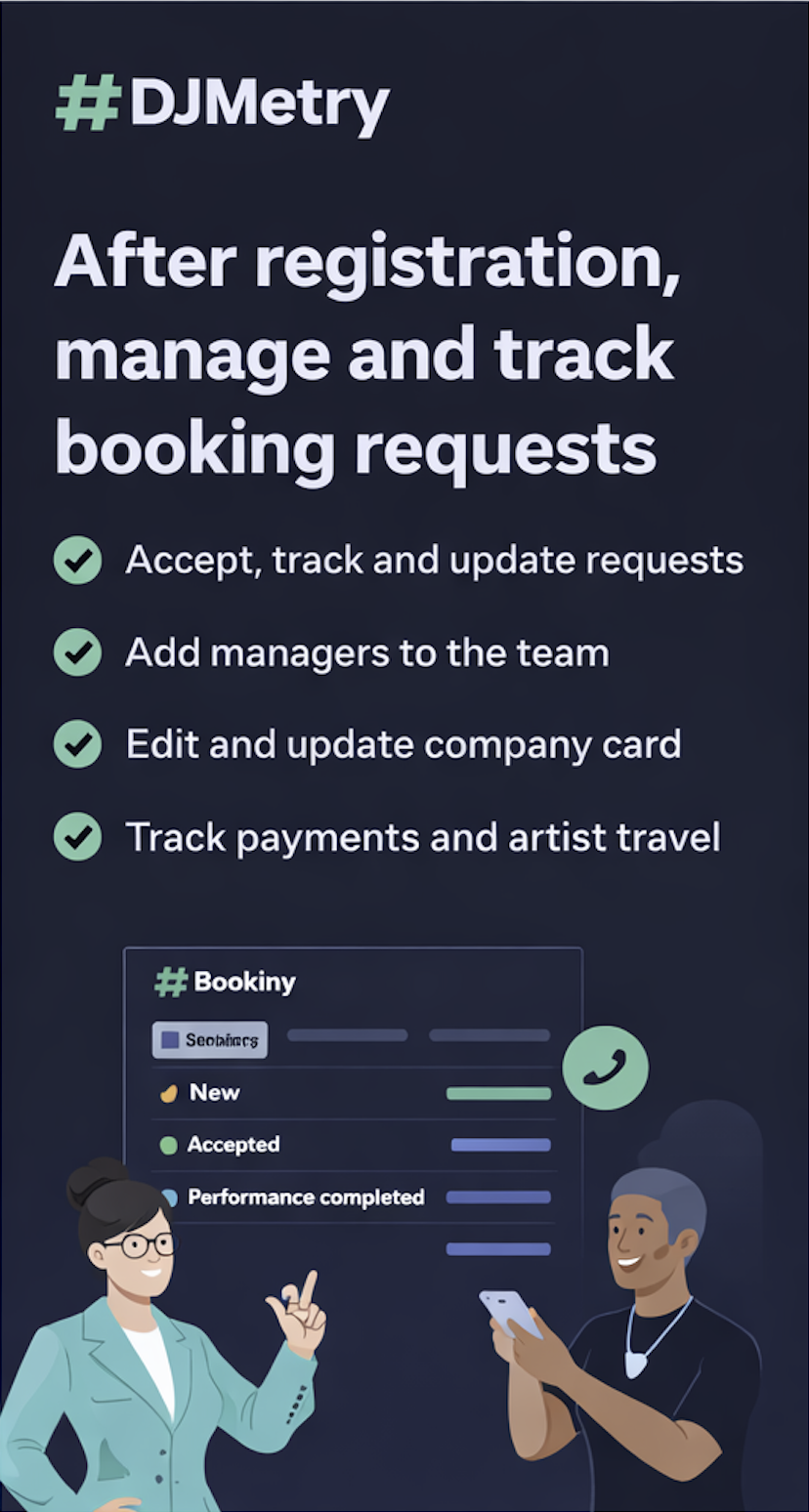
Accept requests from clients and see statuses: new, in progress, accepted, declined, paid, artist en route, at hotel, on stage, performance completed.
Team and managers
Add managers to the team and assign them regions and request visibility.
Edit company card
Edit the company card (description, contacts, socials, design) and submit changes for moderation.
Payment and statuses
Track payment per request and update status and artist travel details.
How updates work
When a request or payment status changes, all parties — client, company and artists — receive an email. You stay informed: new request, artist decision, payment or performance stage. Notifications go to the company contact email and to the logged-in user's email where the system supports it.
Statuses and emails
Every important request event is shown in the dashboard and duplicated by email: company creation and confirmation token, artist confirmation, moderation result, new request, status update, client cancellation. So you never miss a request and can respond to clients and artists quickly.
DJMetry Booking
Transparent booking. Real connections.
Register, connect artists and manage requests in one place.